Easily customise colours, fonts, buttons, spacing, and layout options from one place. This guide shows you how to control the look and feel of your website using Theme Settings — quickly and without coding.
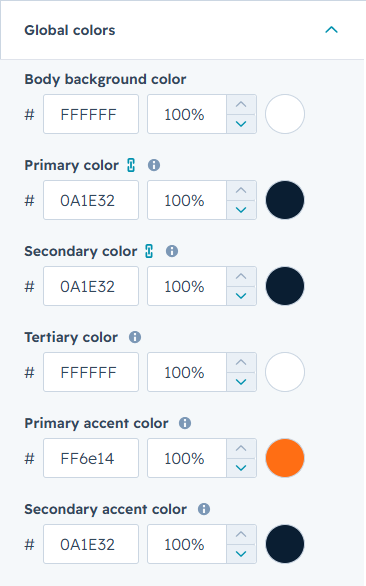
Global Colors
Global Colors control the main colour scheme of your website. These colours are used across buttons, headings, backgrounds, links, and accent elements to keep your design consistent.
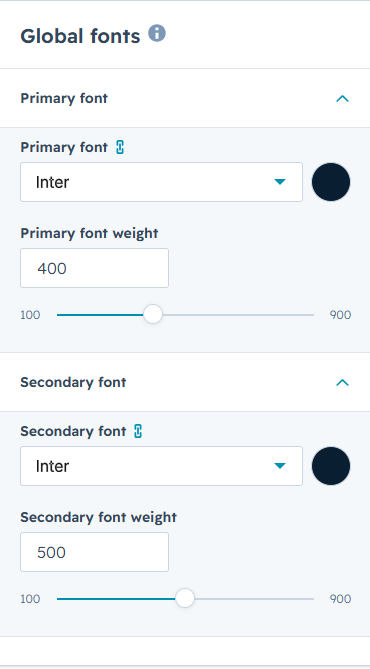
Global Fonts
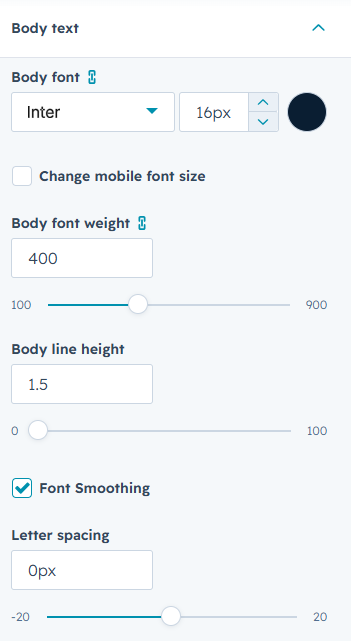
Global Fonts control the typography across your website. The Primary font is used for body paragraphs and lists, while the Secondary font is used for headings. Adjust the font weights to improve readability and create clear visual hierarchy across all pages.
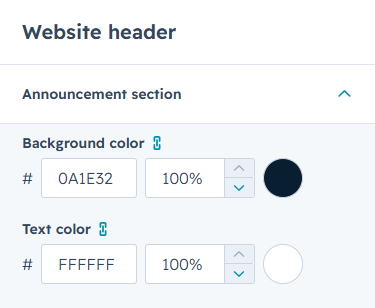
Website Header
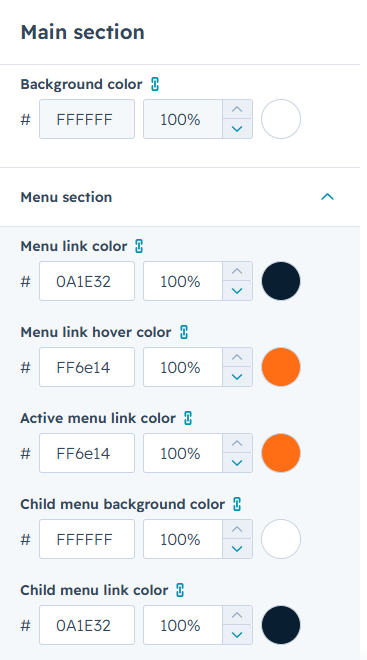
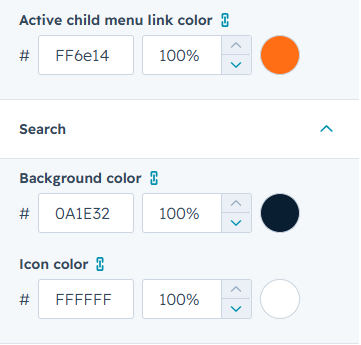
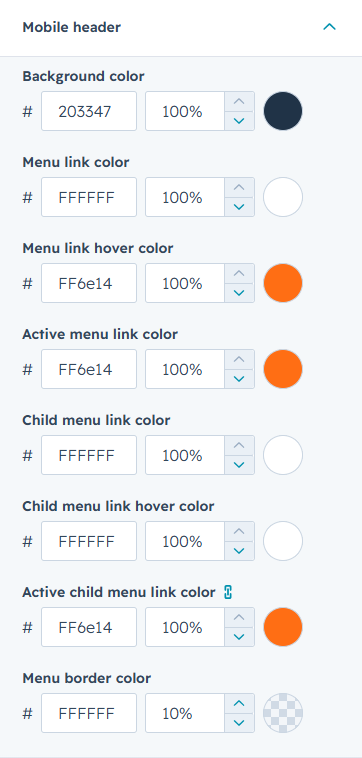
Website Header settings control the colours of the header area. You can manage announcement bar colours, menu link colour, child menu colour, active menu colour, search colour, and language colour. Mobile header colour options are also available to keep navigation clear and consistent across all devices.
Typography
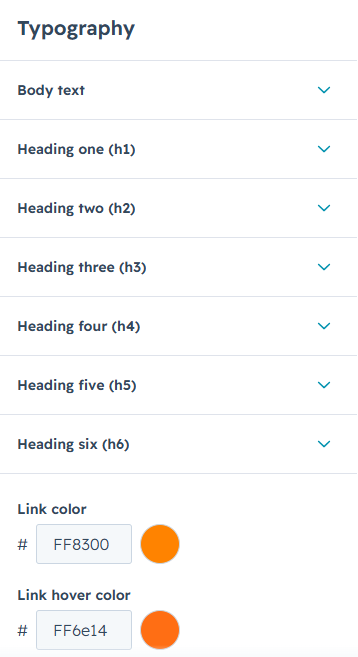
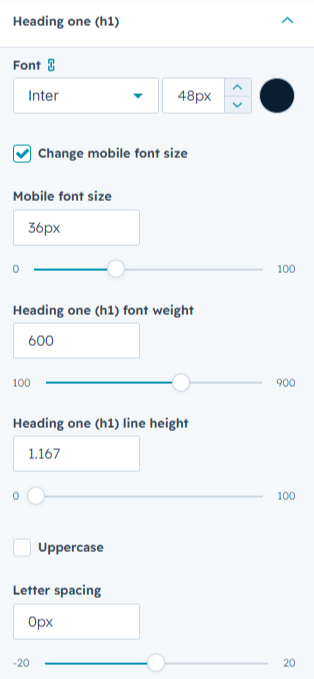
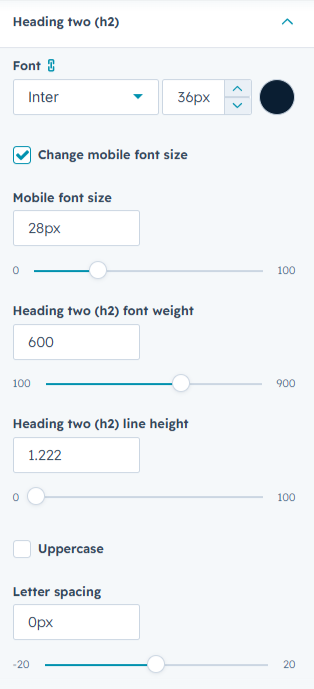
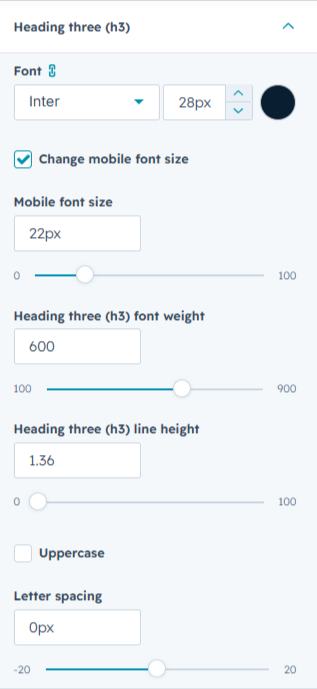
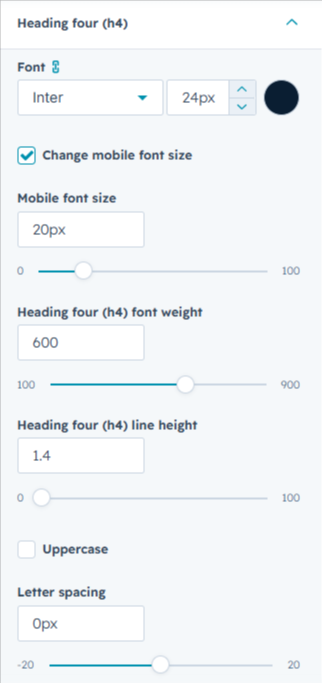
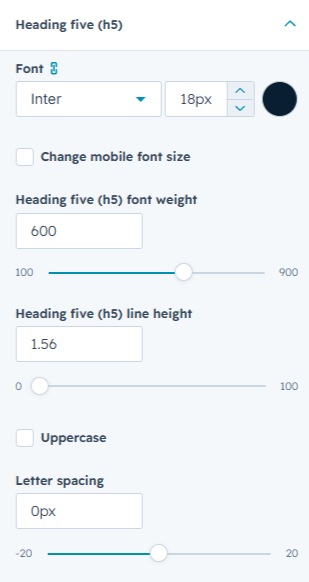
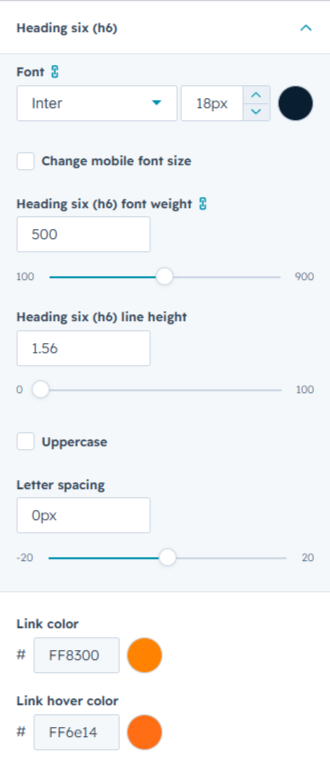
Typography settings control text sizes and link colours across your website. You can adjust body text size and heading sizes for both desktop and mobile to maintain clear readability on all devices. Link colour settings are also available to keep website links consistent throughout the site.
Buttons
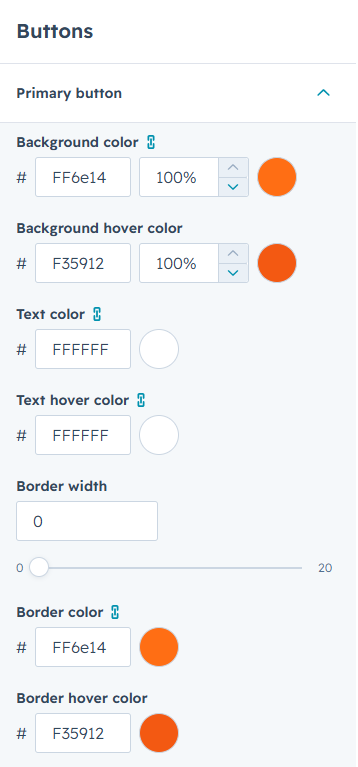
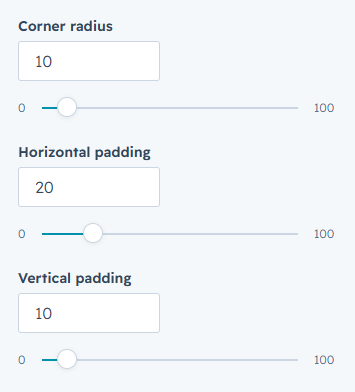
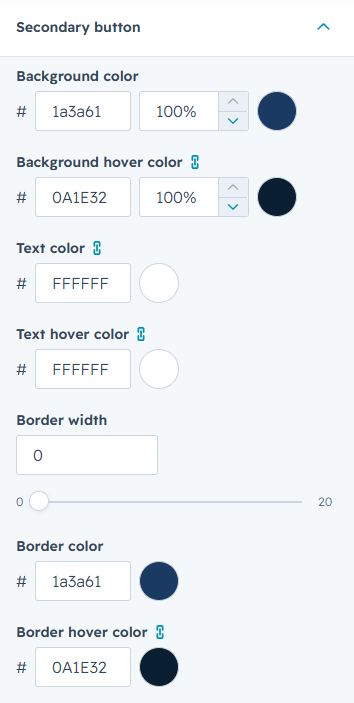
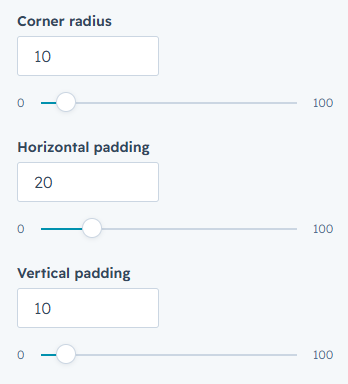
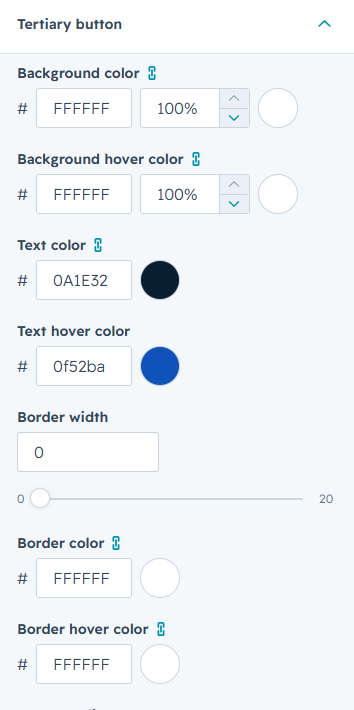
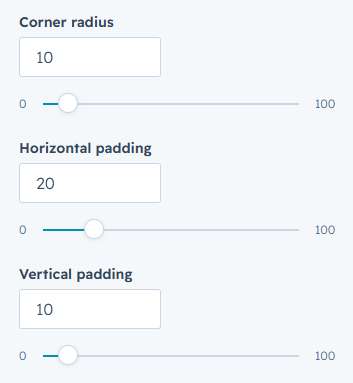
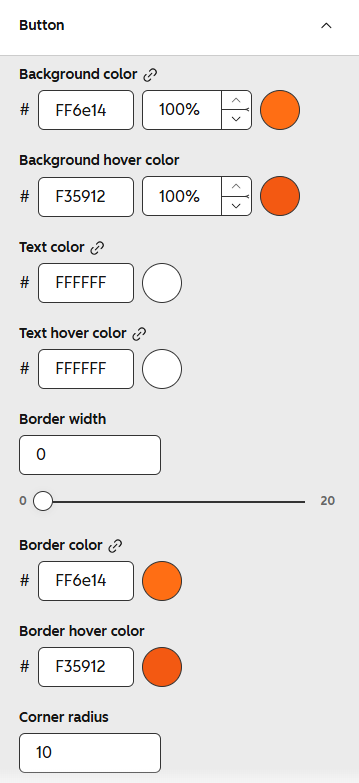
Button settings control the style of Primary, Secondary, and Tertiary buttons across your website. For each button type, you can manage background colour, text colour, border colour, spacing, corner radius, and hover styles to keep all buttons consistent and aligned with your brand.
Forms
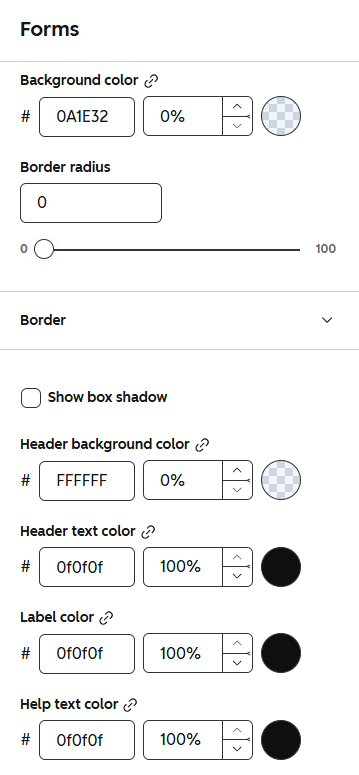
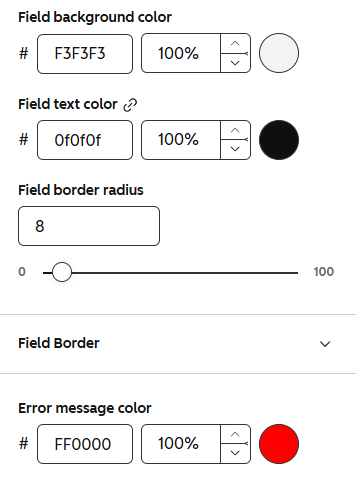
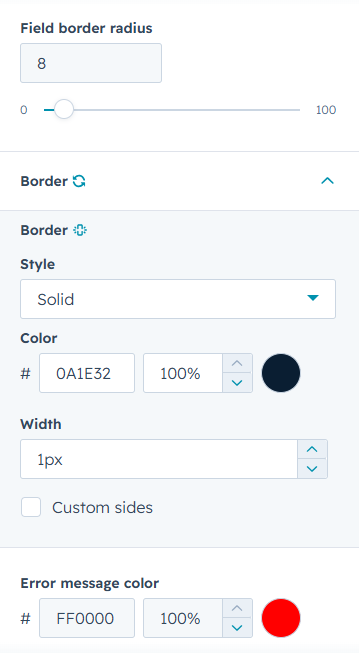
Form settings control the appearance of all forms across your website. You can manage colours for backgrounds, headers, labels, fields, borders, and error messages, along with field border radius, to keep every form clear and consistent.
Tables
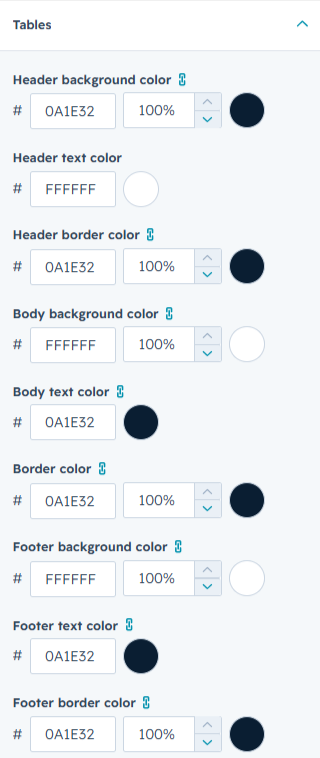
Table settings control the appearance of tables across your website. You can manage header, body, and footer background colours, text colours, and border colours to keep all tables clear and consistent.
Spacing
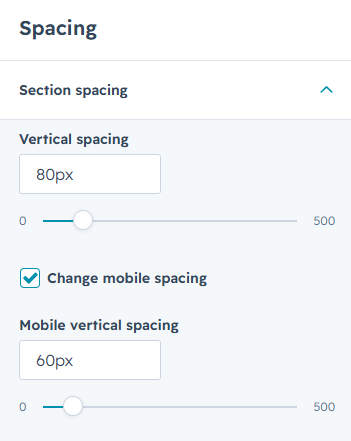
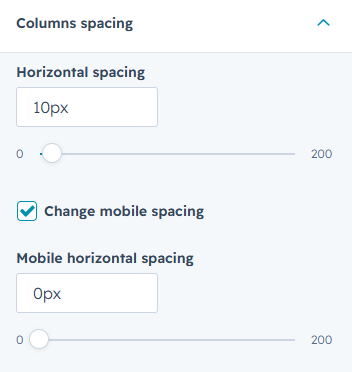
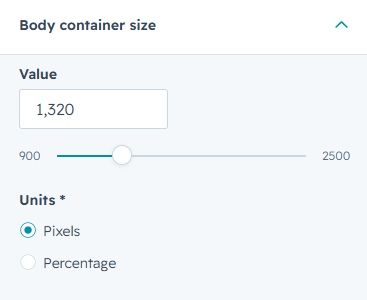
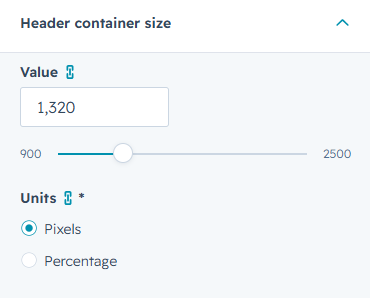
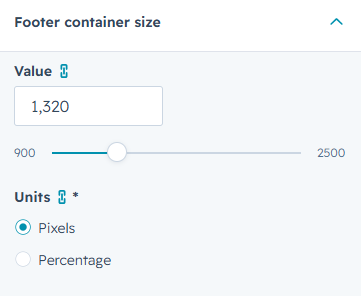
Spacing settings control the layout structure of your website. You can manage section spacing, column spacing, and container sizes for the body, header, and footer to keep content well-balanced and consistent across all pages.
Footer
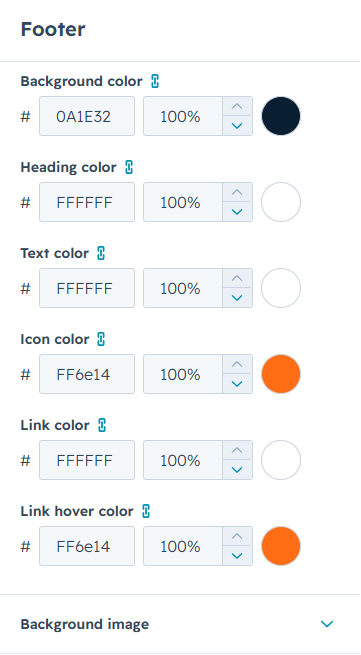
Footer settings control the appearance of the website footer. You can manage background colour, heading colour, text colour, icon colour, link colour, link hover colour, and background image to keep the footer clear and consistent with your brand.
Ready to Achieve Your Financial Goals?
From investment planning and wealth management to retirement strategies, our experts provide personalized guidance to help you build a stronger financial future.